










Sound
If you have an Apple TV or speaker that supports AirPlay, you can stream audio from your Mac by selecting it from the list.
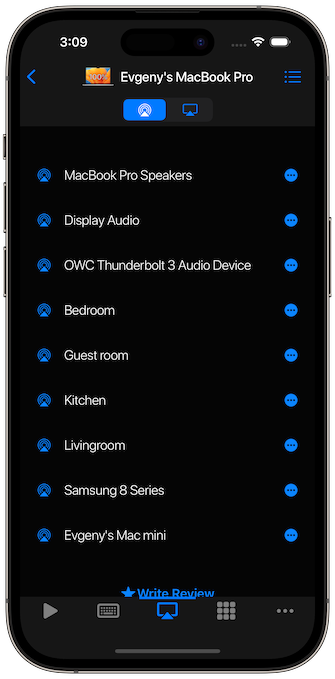
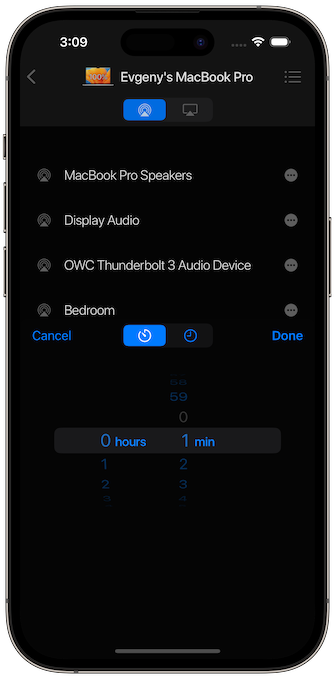
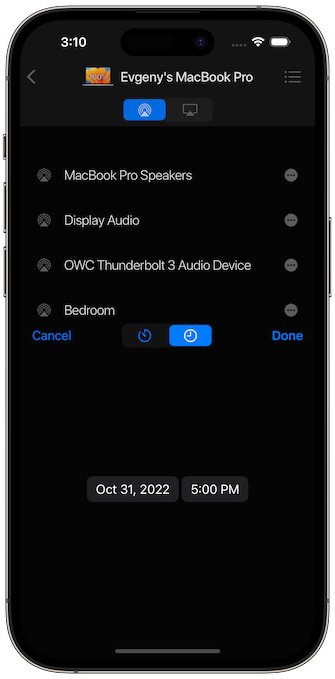
Additionally, you can create a Siri Shortcut to switch audio from your Mac to other devices, or use the Timer feature to schedule it.
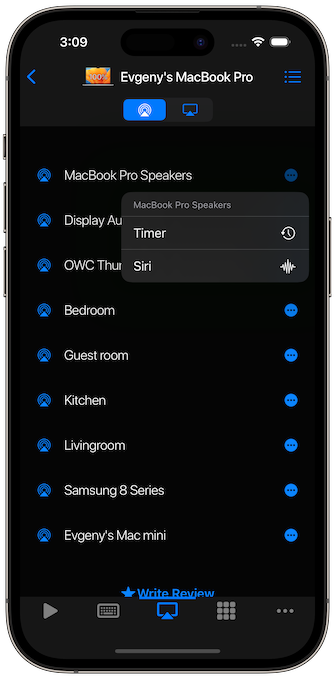 | 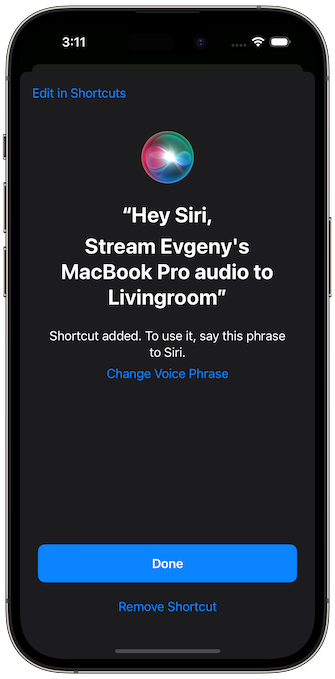 |
Screen Mirroring
To turn Screen Mirroring on, tap the device you want to mirror to in the list. To turn it off, tap the same device again.
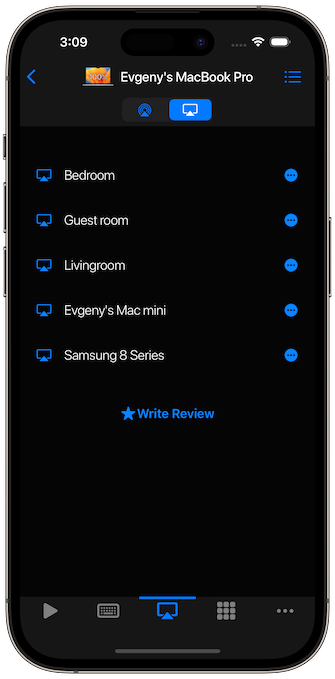
As with sound, you can use Siri or timers for Screen Mirroring.
 |  |
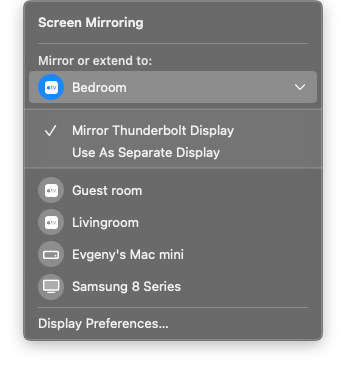
Screen Mirroring has two modes: Mirror or Extend. Extend creates a separate display. You can switch the mode on your Mac or by refreshing the list of devices after enabling Screen Mirroring.
Important note:
For the app to be able to control AirPlay on your Mac, your Mac must be unlocked.